MT5 Light Mode Template
Clean light theme for MT5
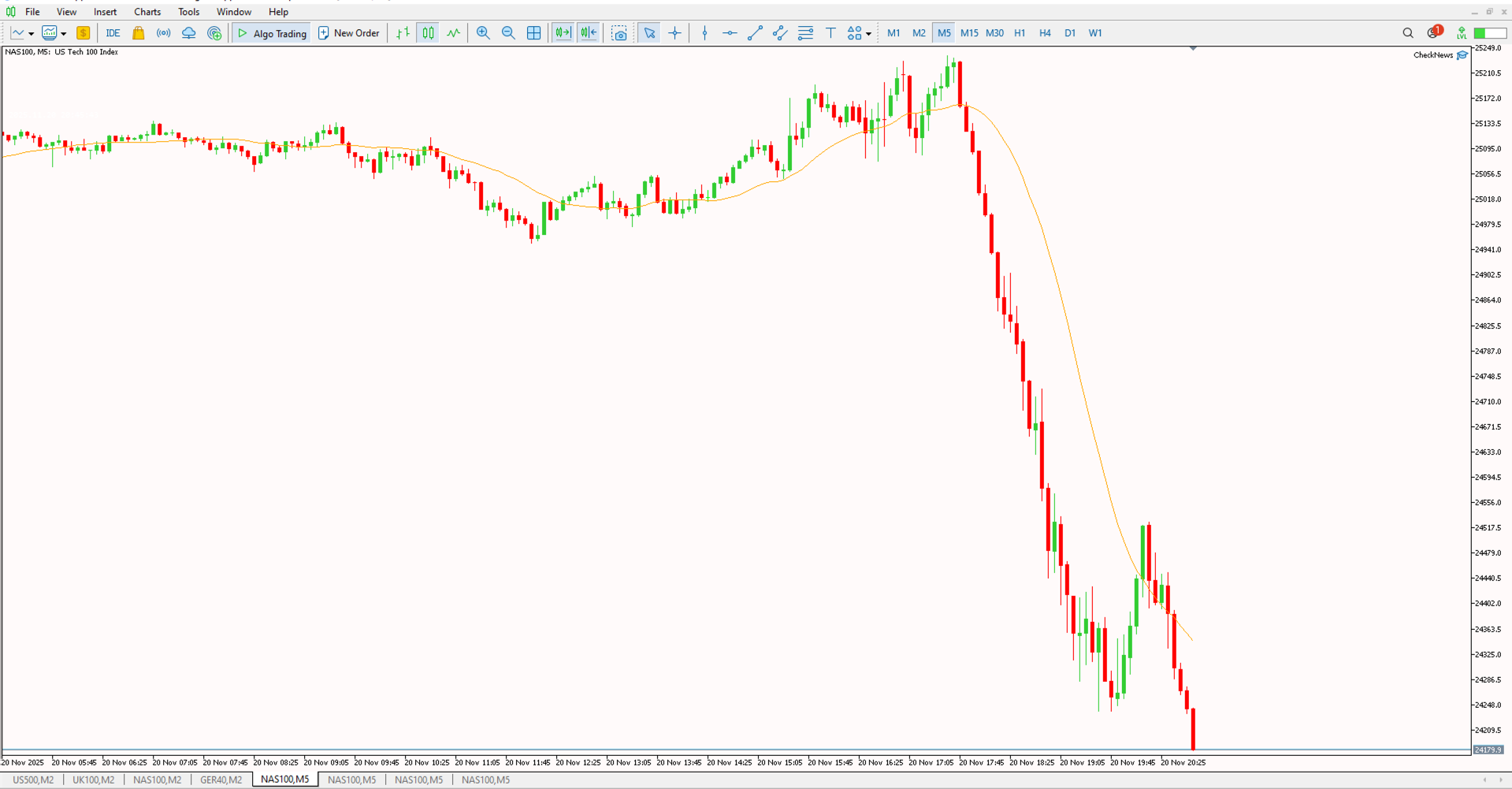
The LightTemplateMT5 is a professionally designed chart template with a bright color scheme optimized for daylight trading conditions on MetaTrader 5. It provides crisp, clear visuals that remain easy to read in well-lit environments or outdoor settings.
Key Features
- Daylight Optimized: Bright background with dark text ensures excellent visibility in well-lit rooms.
- Clean Aesthetics: Professional color palette that maintains clarity without overwhelming visual noise.
- Print-Friendly: Light theme is ideal for taking screenshots, sharing setups, or printing charts for analysis.
- Instant Setup: Apply the template to any chart and have your preferred color scheme instantly loaded.
Installation Guide
Download the template file. In MetaTrader 5, go to File > Open Data Folder, then navigate to Profiles > Templates. Paste the file there. Right-click on any chart, select "Templates," and choose "LightTemplateMT5" to apply it.